
My Exact Podcast Setup
Links to the gear

So you want to start a podcast? Smart move. Even if you never make a dime off the endeavor, and your audience is limited to second cousins, I still think you should do it.
Unlike becoming a social media influencer, which has a way of slowly tipping people toward narcissism and navel-gazing, podcasting incentivises curiosity. It forces you to send cold emails, craft questions, and improve verbal fluidity. Hosting a podcast is not unlike taking an improv class - it’s a collaboration with the unknown. Sure, you’ll have prepared questions to ask, but once you hit record, neither you nor your guest knows what will happen next. It’s improv.
Before you launch a podcast, let me ask you this: What does success look like to you?
It is very, very hard to make a living off podcasting, so if your goal is to start cashing six-figure deals by the first year, you may be disappointed. Maybe you’re the kind of crazy talent that will ascend to medioric status the moment your golden voice reaches the radio waves, but probably not. 90 percent of podcasters quit after three episodes. Three!
So here’s what I recommend: Commit to 50 episodes. Upload once a week. At this cadence, you will have done a year of podcasting. Once you reach 50, take a minute to pause and reflect on whether podcasting is for you or if your time would be better spent elsewhere. No matter how you choose to proceed after a year, you will have learned a skill that has lifelong benefits.
I upload my podcasts to Substack. It’s free and aggregates out to Spotify, Apple Podcasts, and all the rest. Here’s a step-by-step guide on how to use Substack for podcasts. When I record remotely, I use Riverside.fm then upload the MP3 to Substack. I use GarageBand to edit episodes and tack on the intros and outros. Here’s a video that details how you can create a template to reuse every time.
Okay, onto the gear. When I launched my podcast in 2017, I iterated dozens of times before I found a setup that worked for me. Fancier stuff exists, but I’ve optimized my gear for a combination of quality, durability, and mobility. Everything fits in a backpack, so I can record on the road.
If you end up buying this gear, please use the links below, and I’ll get a small kickback from the overlords at Amazon.
If you have more questions for me, feel free to comment below. Happy trails.
Zoom PodTrak P4 ($169): This thing rocks. You can record with up to four people and also use it for remote interviews.
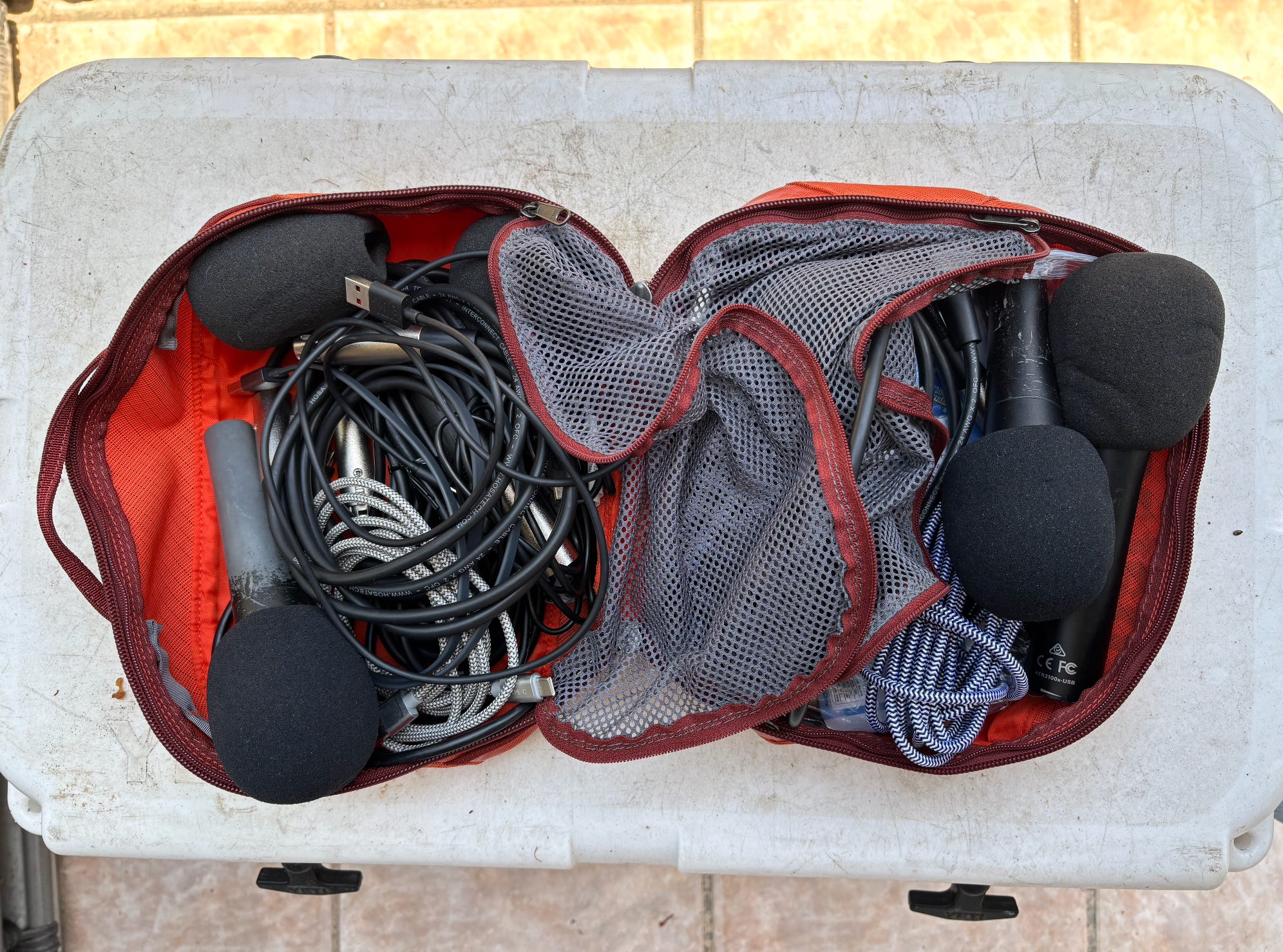
Pyle Microphones ($20): I’ve had my Pyle microphones for years, and they’re still going strong. Get four. They’ll last you forever.
Foam Mic Cover ($7): Get the five-pack. A foam screen fits over the microphone and will keep your guests from popping their Ps as they recount the story of when Peter Piper picked a peck of pickled peppers.
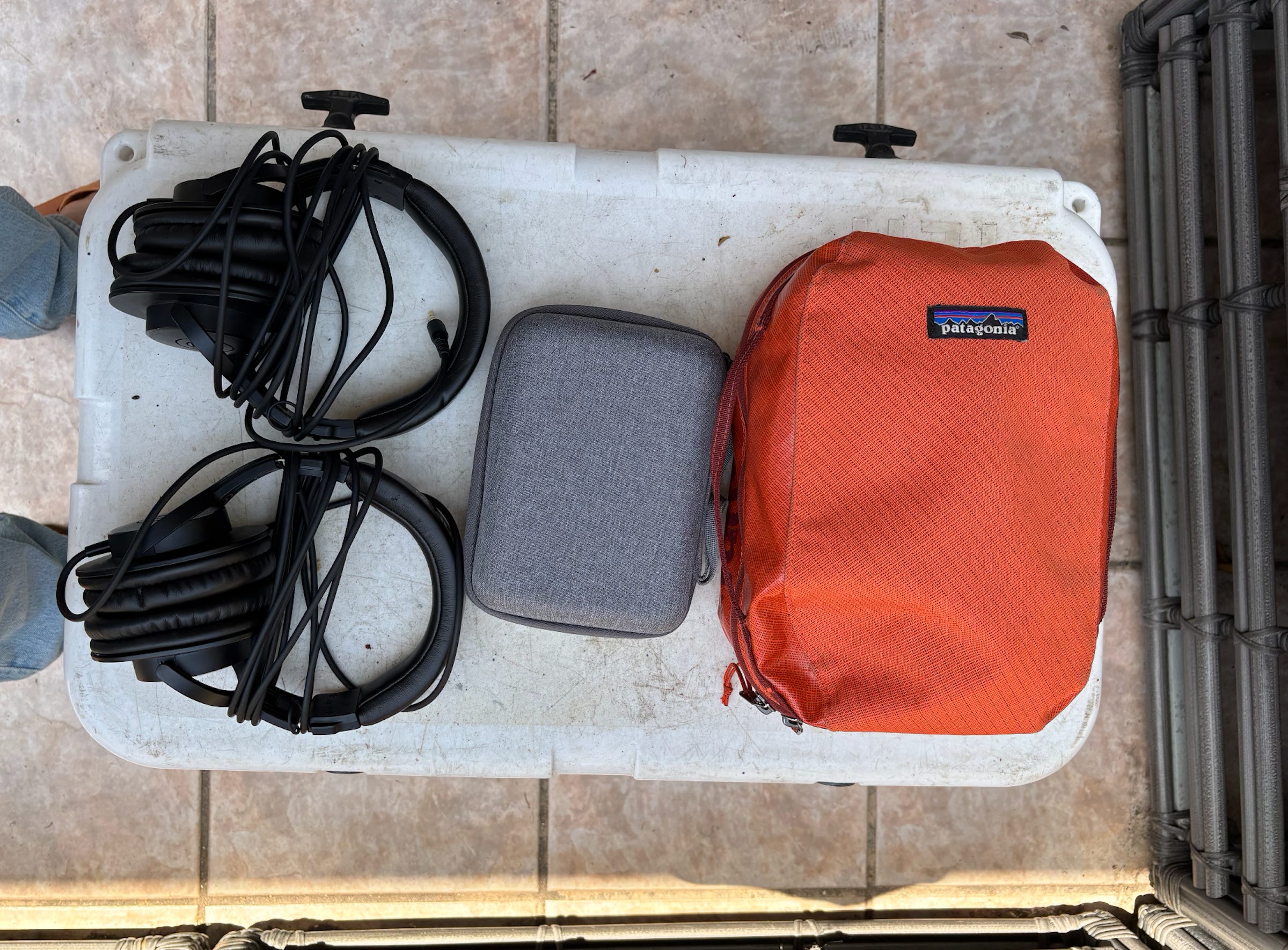
Audio-Technica ATH-M30x Headphones ($60): Get at least two. It’s an investment, but your ears will thank you later.
Portable Charger ($23): If you don’t plug an external charger into your PodTrak P4, you will go through a ton of AA batteries. Any lightweight charger with a USB-C port will work fine. I use an external charger whenever I record podcasts.
AA Batteries ($18): I keep a twenty-four pack of batteries in my backpack in case the external charger decides to take the day off. Nothing screams amateur like having your recorder die mid-interview, and needing to ask your guest if they have any batteries lying around.
64 GB SD Card ($30): Get at least two. If one fills up mid-interview, you can have a backup at the ready. Be sure to format the card every so often so you never run out of space.
Three-foot XLR Cables ($20): These come in a four-pack. Three-foot cables are long enough for you to sit across the table from your guest, but not so long that you feel like you’re recording in a pit of snakes.
Short USB-C to USB-C ($7): You need these to plug your external charger into your PodTrak P4, and when plugging your recorder into a computer for remote interviews. One foot is a good length.
Portable Microphone Stands ($24): These are nice so your guest doesn’t need to hold the microphone. Okay, that’s it. Have fun.